
E-Commerce & Marketplaces
White backgrounds for product listings
Marketplaces often prefer a clean white or light gray background. Recolor the backdrop of a product photo without reshooting it.
Upload a photo, pick a color, and the Recolor Agent changes only the background — your subject, its edges and its lighting stay as they are.
Or try with an example photo:
Drop in a portrait, product shot or pet photo. JPG, PNG, WebP and AVIF are supported.
Choose white, gray, black, blue or type any color name or HEX code. You can review the request before it runs.
Compare the result with the original, ask for a follow-up tweak like “a little warmer”, and download the image.
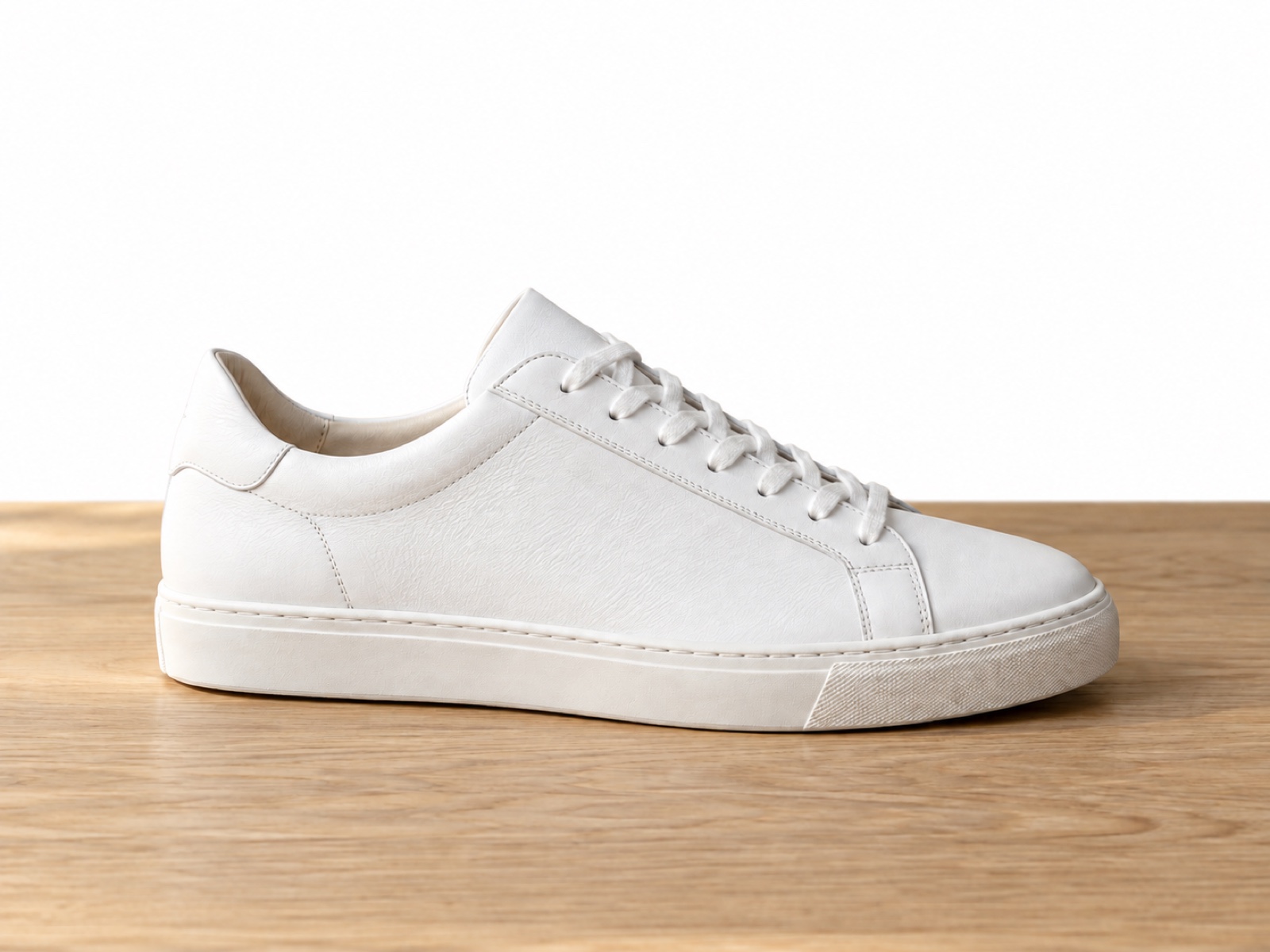
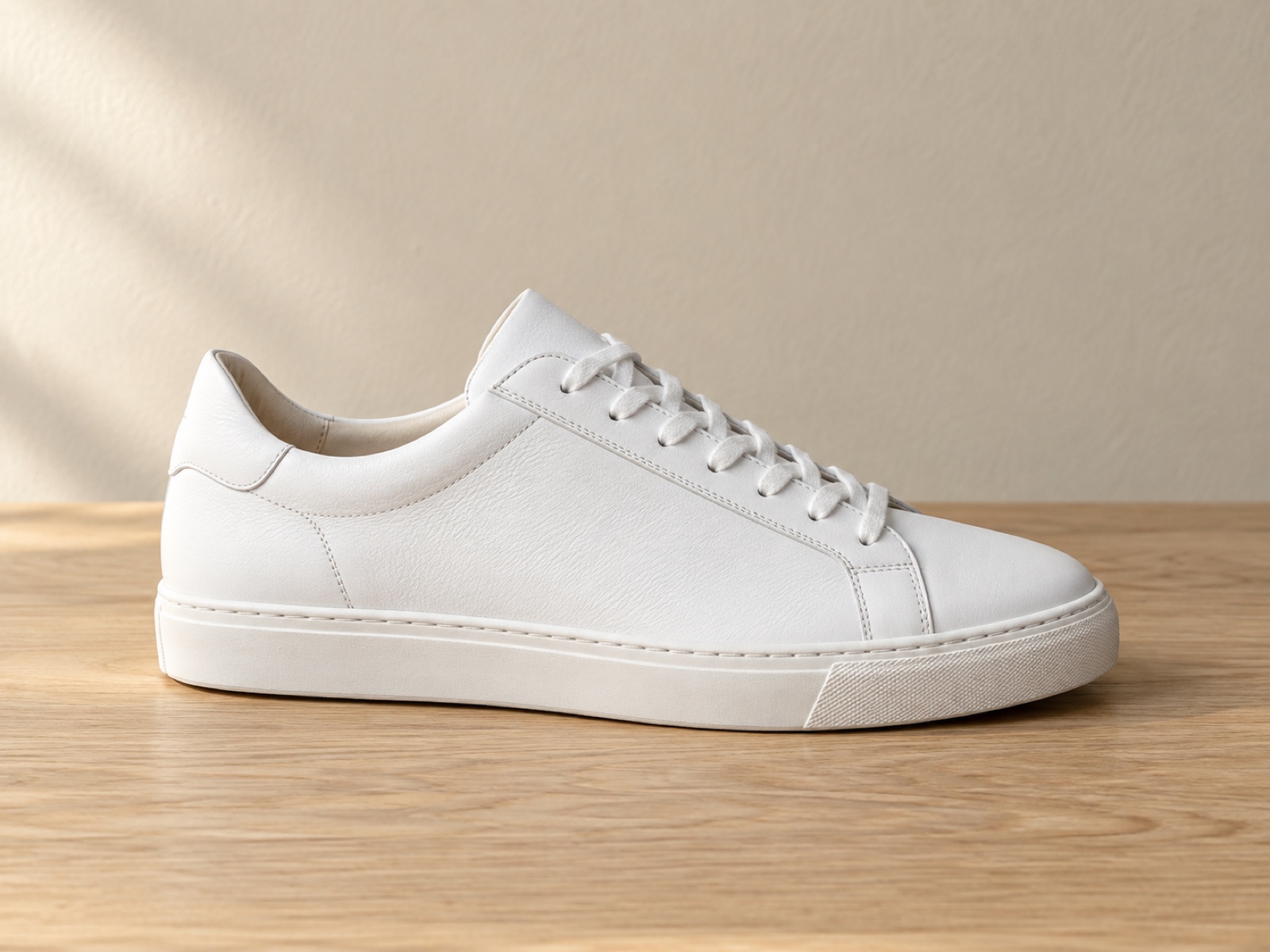
A white sneaker with its product details and tabletop shadow preserved against a pure white background.
A professional headshot moved to light blue while keeping the person, hair edges and clothing intact.


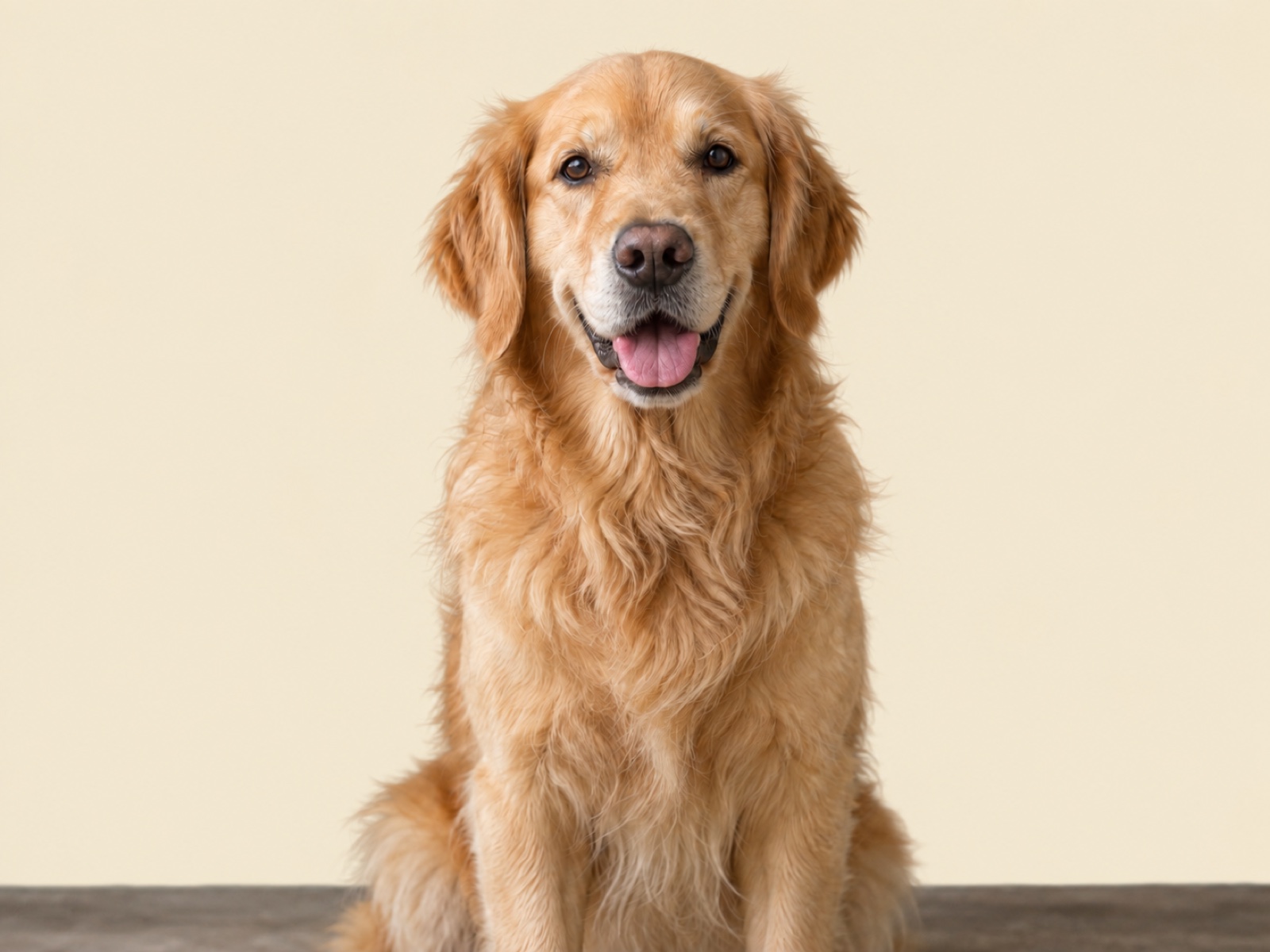
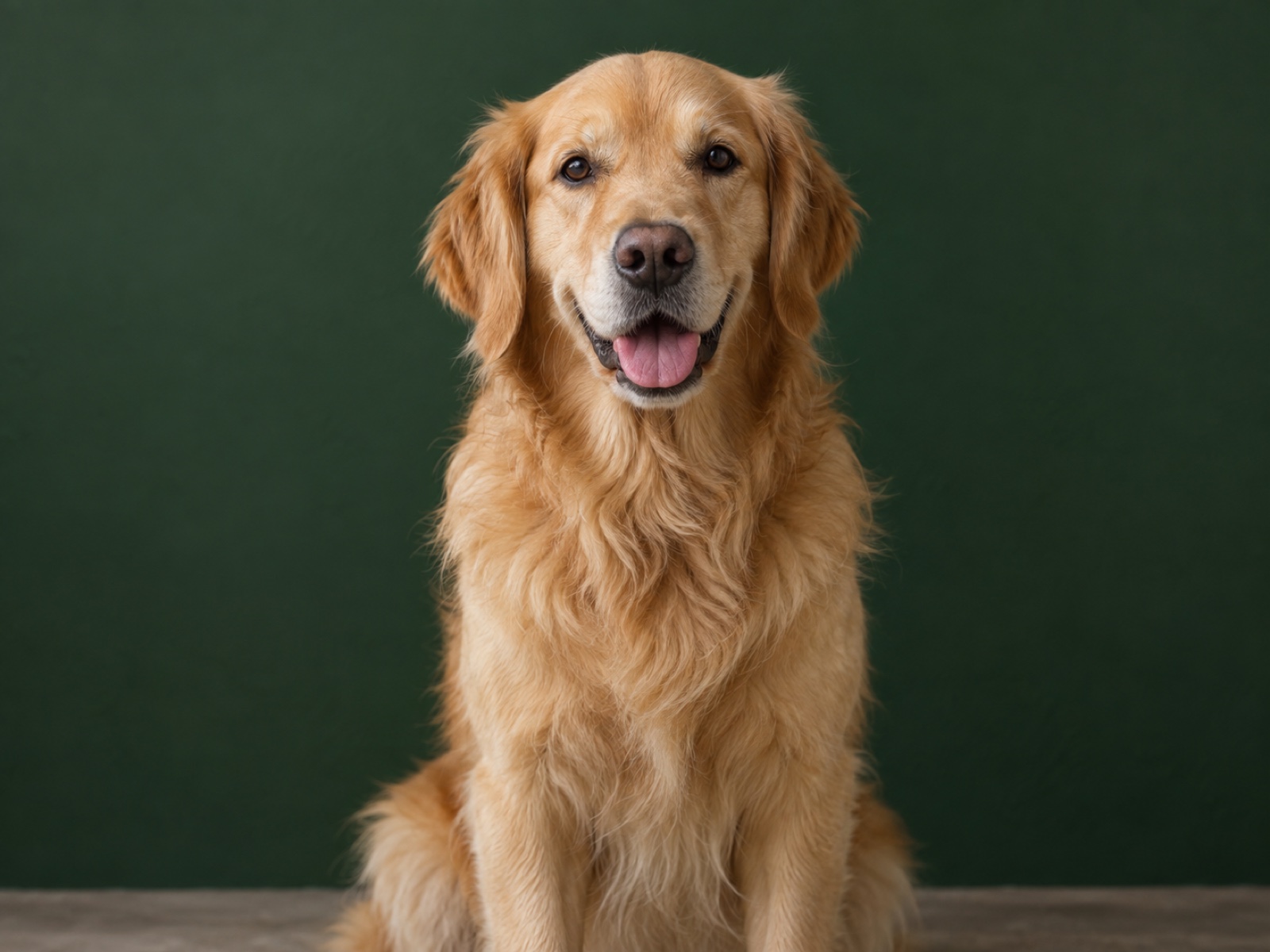
A golden retriever against cream, with the pose, expression and fine fur edges preserved.
A white mug on brand blue, retaining the original ceramic highlights and left-cast shadow.


Why creators and eCommerce brands switch from manual pen-tool clipping to neural background recoloring
| Evaluation Criteria | AI Recolor Agent | Photoshop Pen Tool | Solid Color Bucket Fill |
|---|---|---|---|
| Processing Speed | 3–5 seconds automated | 15–30 minutes per photo | Instant (incomplete) |
| Hair, Fur & Edge Fidelity | 99.8% Sub-pixel radiance & strand preservation | Requires tedious manual feathering | Severe clipping halo & lost strands |
| Cast Shadows & Reflection | Naturally preserved & blended | Must be manually repainted or lost | Completely erased / flattened |
| Marketplace Compliance (Amazon / eBay) | 100% Calibrated Pure White (RGB 255, 255, 255) | Requires manual color calibration | Uneven & non-compliant |
| Cost Efficiency | Free preview + low credits | $5–$25 designer fee per photo | Low commercial value |
Product photography on pure white backgrounds (RGB 255, 255, 255) increases buyer conversion by up to 15% and ensures compliance across Amazon, Shopify, and Google Shopping. AI background recoloring preserves natural shadows and sub-pixel hair edges while swapping backdrops seamlessly.
Marketplaces often prefer a clean white or light gray background. Recolor the backdrop of a product photo without reshooting it.
Give headshots the same solid background color so profile pictures, team pages and speaker cards look consistent.
Match the background to your brand color for thumbnails, social posts and ads while the subject stays untouched.
Upload the photo on this page, choose a color such as pure white or blue (or type any color), and open the studio. The Recolor Agent plans the edit, recolors only the background, and shows the result for you to review and download.
Yes. Choose “Pure white” to ask for a solid white background. Results depend on the image; photos where the subject is clearly separated from the background work best.
No. This tool changes the background color only — for example to white, blue or a brand color. It does not swap in a beach, office or other scene, and it does not remove or add objects.
The request tells the AI to keep the subject, edges, hair, shadows and lighting unchanged. Fine details such as loose hair can occasionally shift, so always review the result before downloading.
Uploading and planning are free. Each generated edit uses credits, and you always review the request in the studio before anything is charged.
The same Recolor Agent can change the color of clothes, furniture, cars, logos and more — one focused edit at a time.